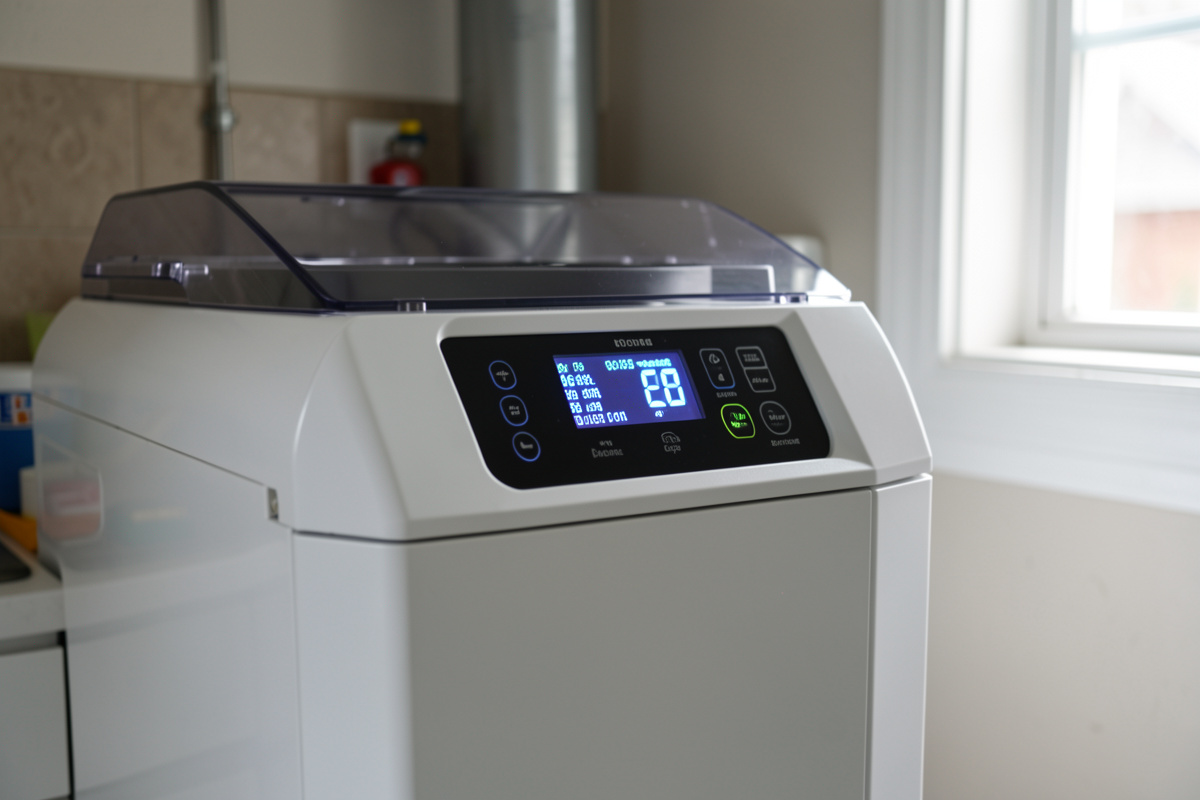
Freeze Dryer Error Codes: What They Mean and How to Clear Them
June 24, 2026

An error code on a freeze dryer feels like a failure, but it is actually the machine protecting your batch — it detected a condition outside its safe range and stopped rather than quietly ruining the load. In my batch log, most codes fall into about five families: a temperature or pressure sensor reading out of range, a communication fault between the control board and a component, or a pressure condition the machine could not resolve. The first move is always the same: write down the exact code before you do anything that clears it.
I run a Harvest Right Medium-class unit and treat its display like the instrument panel it is. I am not going to invent specific code numbers for your machine — they vary by model and firmware, and a real operator would catch a made-up code in a heartbeat. What I can give you is the honest framework: the families codes fall into, which ones are operator-fixable, which mean stop and call support, and the disciplined response that keeps a cheap fix from becoming an expensive one. This is a deep dive under my broader freeze dryer troubleshooting guide.
First Response: Read It, Write It, Don’t Panic
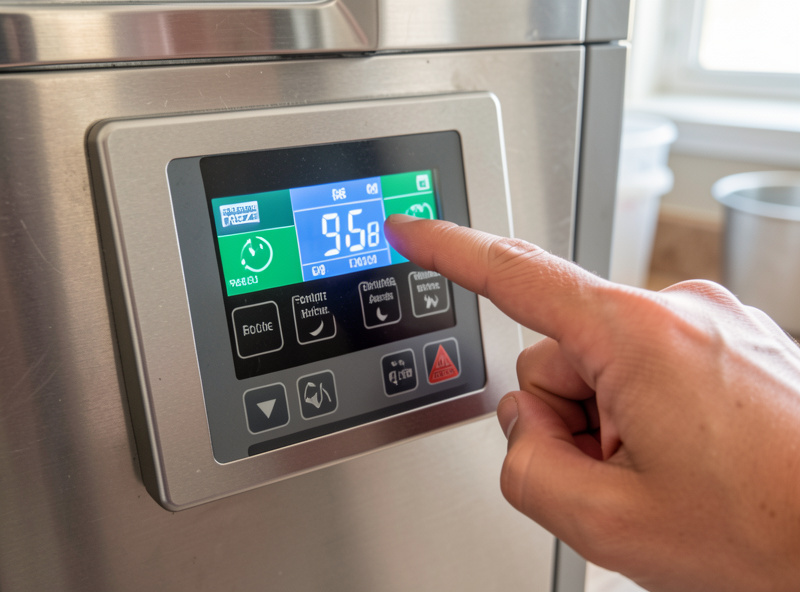
The single most useful habit when a code appears is to record it exactly — the full code or message, the cycle stage it happened in, and what the machine was doing. That record is what turns a vague support call into a fast one, and it lets you spot patterns if the same code recurs. I log codes in the same notebook as my batch data for exactly this reason; my curing chamber taught me to trust written records over memory.
Resist the urge to immediately clear and re-run. A code is information, and clearing it without understanding it throws that information away. Note it first, then proceed to diagnosis. The one safe early action is a single clean power cycle, which I cover below — but record the code before you do even that.
The Common Code Families
Across models, freeze dryer codes generally group into recognizable families, and knowing the family tells you where to look even before you decode the specifics. The table below maps the families to what they usually point at and the first thing I check for each. Always confirm the exact meaning against your machine’s own manual or support, because the specifics are model-dependent.
| Code Family | Usually Points At | First Thing I Check |
|---|---|---|
| Temperature sensor / range | A thermocouple reading out of range | Power cycle, check for a hot or cold room extreme |
| Pressure / vacuum | Chamber could not reach or hold pressure | Drain valve, gasket, pump oil (the vacuum chain) |
| Communication / sensor fault | Board not talking to a component or probe | Power cycle once; recurring = hardware |
| Sequence / interlock | A precondition for the next stage is unmet | Door latch, valve position, on-screen prompt |
| Refrigeration / hardware | A fault inside the sealed system | Document and contact support |
Pressure and Vacuum Codes: Check the Usual Chain
A pressure or vacuum-related code is the one most likely to be operator-fixable, because it usually points back at the same chain as any vacuum problem: the drain valve, the door gasket, and the pump oil. The machine threw the code because it could not reach or hold the pressure it needed, and that is almost always a seal or oil issue rather than a broken control board. Treat a pressure code as a prompt to run your vacuum checklist.
Confirm the drain valve is fully closed, inspect and reseat the gasket, and check the pump oil for cloudiness. The full sequence is in my not reaching vacuum guide, and the pump-side maintenance behind it is in the pump care guide. Clear the code only after you have addressed the mechanical cause, not before.
The One Safe Reset: A Single Clean Power Cycle
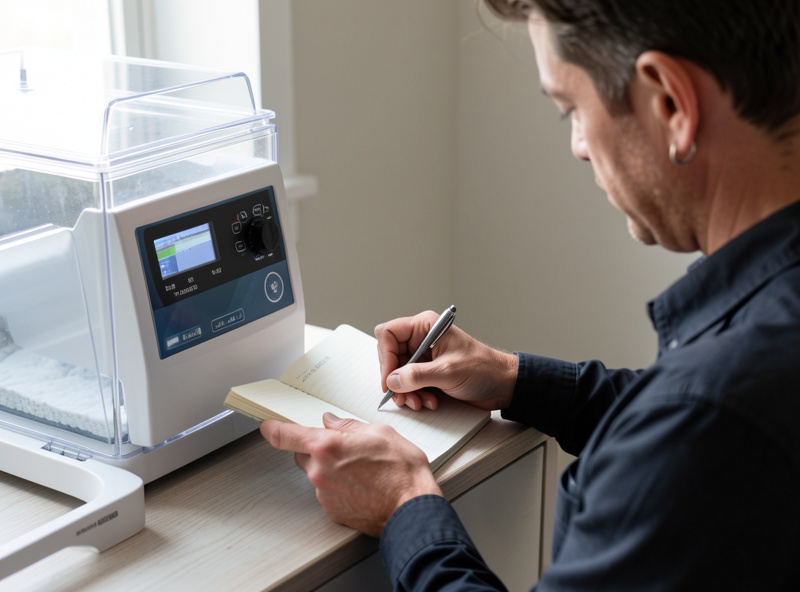
Many sensor and communication codes are transient and clear with one clean power cycle. The right way to do it: stop the cycle if needed, power the machine fully off, wait two to three minutes for the electronics to fully discharge, and power it back on, then check whether the code returns. A code that clears and does not come back was likely a transient glitch. A code that returns immediately or repeatedly is telling you something real and persistent — that distinction is the whole value of the power cycle as a diagnostic.
What you must not do is repeatedly clear and re-run the same code, hoping it goes away. That is how people cook a pump or stress a component that was trying to warn them. One clean power cycle is a diagnostic step; serial clearing is denial. If the code persists after one power cycle and the obvious mechanical cause is ruled out, you have moved into hardware territory.
Sequence and Interlock Codes
Some codes are not faults at all — they are the machine telling you a precondition for the next step is not met. The door is not fully latched, the drain valve is in the wrong position for the stage, or the machine is waiting on a prompt you have not answered. These are the same conditions that cause a machine to run but refuse to start a cycle, and they are entirely operator-fixable by working through the interlocks in order.
If your code coincides with the machine hanging before it will start freezing or drying, treat it as an interlock issue first. The full checklist for that situation is in my runs but won’t start guide. Often the “error” is just an unmet condition, and clearing the condition clears the code.
When a Code Means Stop and Call Support
Some codes point at the sealed refrigeration system, the control electronics, or a hardware fault that no amount of seal-and-oil checking will fix. The signature is a code that returns immediately after a clean power cycle and after you have addressed any obvious mechanical cause. Refrigeration and board-level faults are not driveway repairs — opening a sealed refrigeration loop is not a home job, and on a machine under warranty a DIY attempt can void your coverage.
At that point, stop. Document the exact code, the stage, and your checklist results from the log, and contact Harvest Right support. Your records make the call faster and give the technician a head start. The broader honest picture of what ownership actually asks of you — including knowing your DIY limits — is in my ownership reality check.
Don’t Ignore a Code Mid-Batch
One last operator note: a code that interrupts a running batch may have left your food partway through the process. Do not assume the load is fine just because you cleared the code and finished the cycle. Verify doneness on any batch that was interrupted, because a stall during the dry stage can leave food under-dried in ways the timer will not reveal. Storage safety depends on a fully dried batch, and that is one place I will not hand-wave.
Run the snap-and-weight check on an interrupted load before you trust it for storage — the method is in my food still wet guide. When a code costs you confidence in a batch, more dry time and a careful check are cheap insurance.
Frequently Asked Questions
What should I do first when my freeze dryer shows an error code?
Write down the exact code, the cycle stage it appeared in, and what the machine was doing, before you clear anything. A code is information. Recording it first lets you diagnose the family, spot recurring patterns, and give support a fast, accurate starting point.
Can I just clear a freeze dryer error code and keep going?
One clean power cycle is a fair diagnostic step for transient sensor or communication codes. What you should not do is repeatedly clear and re-run the same code, which throws away information and can stress a component that was trying to warn you.
What does a pressure or vacuum error code mean?
It usually means the chamber could not reach or hold the pressure it needed, which points back at the vacuum chain: the drain valve, the door gasket, and the pump oil. Run your vacuum checklist and address the mechanical cause before clearing the code.
Which freeze dryer error codes can I fix myself?
Pressure and vacuum codes tied to the drain valve, gasket, or oil, and sequence or interlock codes tied to the door, valve position, or a prompt, are operator-fixable. Refrigeration, control board, and hardware faults are technician territory, especially under warranty.
My freeze dryer code comes back right after a power cycle. What now?
A code that returns immediately after one clean power cycle, with any obvious mechanical cause already ruled out, indicates a persistent hardware fault. Stop clearing it, document the code and your checks, and contact the manufacturer’s support rather than continuing to re-run.